Free Laptops for Seniors
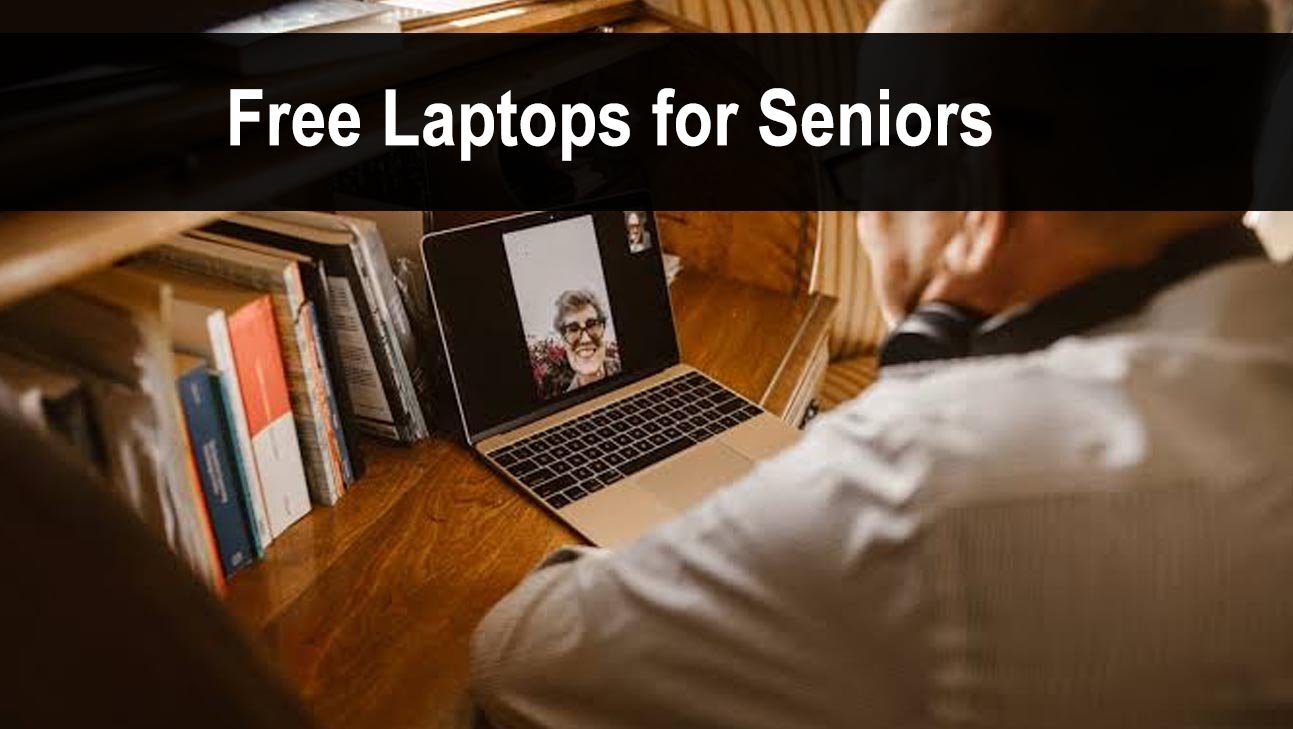
Age 60+ opens Lifeline eligibility through several senior-friendly providers, and organizations like Adaptive.org and Computers with Causes explicitly prioritize elderly applicants.
Who This Is For
Adults age 60 or older, especially those enrolled in Medicare, Medicaid, SSI, or Social Security, and those living at or below 200% of the federal poverty level.
How Seniors Can Get a Free or Low-Cost Laptop
- Check if you receive Medicaid or SSI. Both automatically qualify you at PCs for People, Human-I-T, and the Lifeline internet program.
- Contact your local Area Agency on Aging (AAA). Federally-funded offices that coordinate local technology access programs. Find yours at eldercare.acl.gov.
- Visit your local public library. Lend laptops for 2-4 weeks at a time with no cost and no income requirement — just a library card.
- Apply to Human-I-T. They offer income-based laptops bundled with free internet and digital literacy training.
- Ask your senior center. Local senior centers frequently receive donated computers and connect seniors with local programs.
Best Programs for Seniors
PCs for People→
Accepts Medicare, Medicaid, and SSI as proof. Ships nationwide. A great first step for any senior with a qualifying benefit.
Human-I-T→
Low-cost laptops bundled with free internet and digital literacy training — ideal for seniors new to technology.
Computers with Causes→
Accepts open applications from seniors facing financial hardship, with no strict income ceiling.
Lifeline Program→
Discounts your monthly phone or internet service by up to $9.25, keeping seniors connected for less.
Tips for Seniors Applying Online
If filling out online applications is difficult, most programs accept phone applications or have local offices. A family member, librarian, or senior center staff member can also help you complete the application.
What if I do not know how to use a laptop?
Human-I-T and many local libraries offer free digital literacy training alongside their device programs. Senior centers also frequently host beginner technology classes.
Does Medicare count as proof of eligibility?
Medicare alone is not always accepted, but Medicaid is widely accepted. If you receive both, use your Medicaid card as proof.