
The On It Foundation
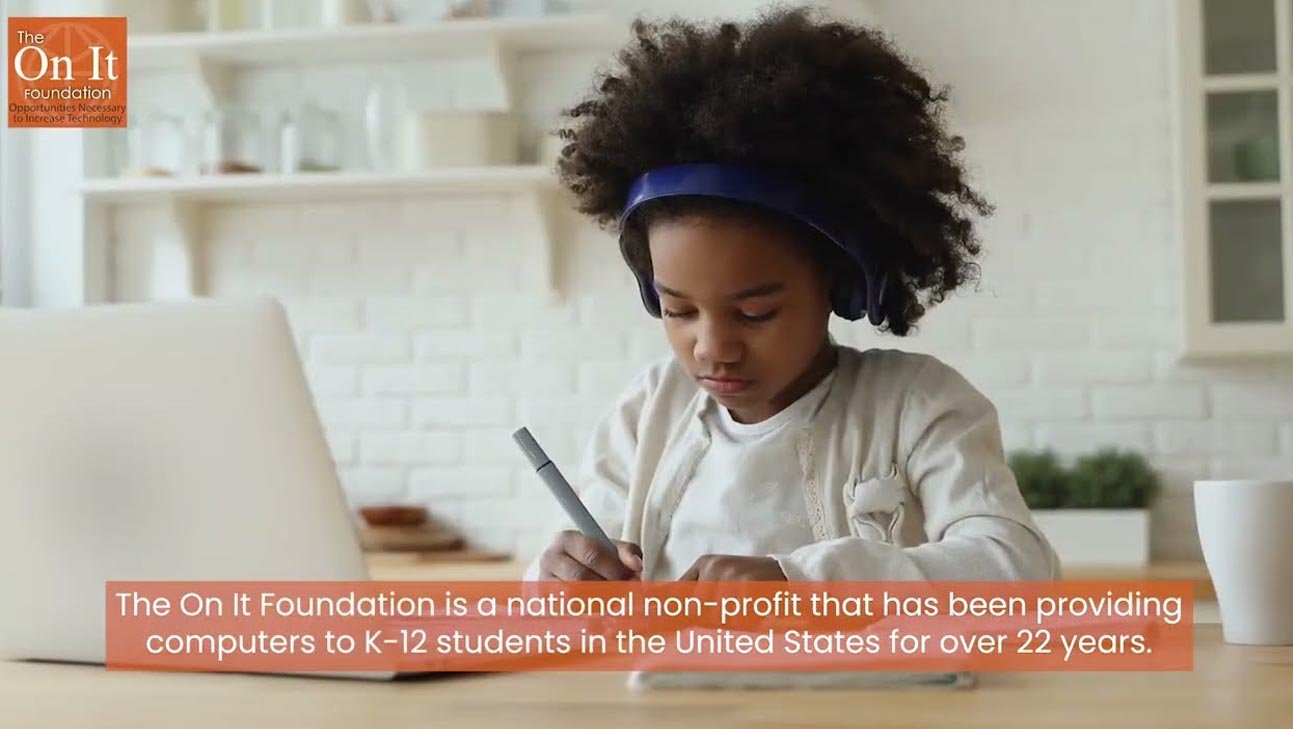
"ON IT" stands for Opportunities Necessary to Increase Technology — the foundation's entire mission is built around K-12 students who qualify for free or reduced-price school lunch.
Reviewed by Our Research Team
Every program on this site is manually researched and checked against official sources before publishing.
What They Offer
- Free laptops or desktops for qualifying K-12 households
- Computer training
- Internet access support
- STEM/STEAM education resources
- A backup $99 Jump On It Program for families who don't qualify for a free device
Eligibility Requirements
Strict K-12 focus: your child must attend a U.S. public or home school and currently receive free or reduced-price lunch.
Income threshold: Tied to free/reduced lunch eligibility (roughly 130%–185% FPL, set by USDA guidelines)
Qualifying benefit programs: Free or Reduced-Price School Lunch enrollment
Other qualifying paths: Homeschooled children may qualify with equivalent documentation
How to Apply
- Write a letter requesting a free computer, signed by the parent or guardian
- Get a companion letter from your child's school on official school letterhead confirming free/reduced lunch eligibility
- Mail both documents to The On It Foundation
- Wait for review — the foundation processes requests as donated systems become available
- If you're not approved for a free device, ask about the $99 Jump On It Program instead
Frequently Asked Questions
Can my homeschooled child qualify?
Yes — the foundation states it serves students who attend a public or home school. You'll still need documentation equivalent to a free/reduced lunch determination or another way to demonstrate financial need.
What if my family doesn't qualify for the free program?
The On It Foundation runs a separate Jump On It Program offering $99 laptops with a warranty and a layaway option, open regardless of income or credit.
Can college students apply?
No. The On It Foundation is specifically designed for K-12 students. College students should look at PCs for People, Dell Scholars, or their school's own laptop programs instead.
Related Programs & Alternatives
If The On It Foundation isn't the right fit — wrong state, wrong eligibility path, or a long waitlist — these related programs cover similar ground.
Computers with Causes→
A national nonprofit program (operated by the Giving Center, a 501(c)(3) charity) that donates refurbished computers to individuals and organizations facing real financial need.
Compudopt→
A national nonprofit distributing free refurbished computers to under-resourced youth through local lottery-based distribution events.
Dell Scholars Program→
A prestigious annual scholarship awarding $20,000 plus a free laptop and textbook credits to 500 college-bound high school seniors demonstrating financial need.
Not Sure Where to Start?
Use the Laptop Finder Tool to filter every program on this site by your state, benefit enrollment, and situation.
Open the Laptop Finder Tool