
Free Laptops for K-12 Students
Start with your own school first: ask directly whether a 1:1 device program exists before applying anywhere else. It's the fastest path and it's free.
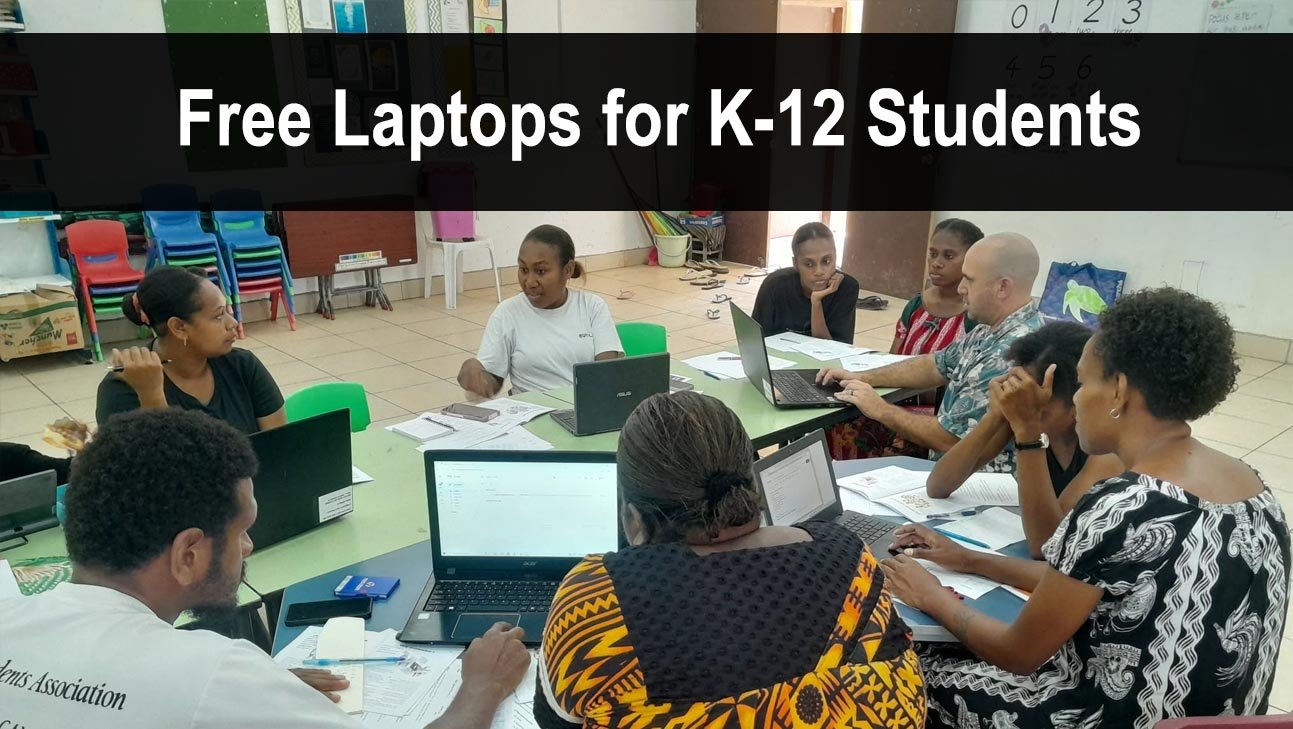
Who This Is For
Students in grades K through 12 enrolled in public, private, or homeschool programs. Parents apply on behalf of their child and often need proof of enrollment plus income eligibility.
How to Get a Free Laptop for Your K-12 Student
- Start with your school district. Call the main district office: "Does our district have a 1:1 device program or a device lending library?" Many already have one.
- Apply to The On It Foundation. Built specifically for low-income K-12 students. Provides free laptops and internet access.
- Look for Compudopt events near you. Free computer distribution events in select cities. Check their website for upcoming dates.
- Apply to PCs for People on behalf of your child. Households at or below 200% of the poverty level qualify.
- Check if your child qualifies for Free or Reduced Lunch. This benefit is accepted as proof of eligibility at multiple laptop programs.
Key Programs for K-12 Students
The On It Foundation→
Built exclusively for low-income K-12 students. Provides free laptops, internet access, and computer education.
Compudopt→
Free computer distribution events for youth. No income test — just bring your child to a local event.
PCs for People→
Accepts Free or Reduced Lunch enrollment as proof of eligibility. Serves qualifying K-12 households nationwide.
Title I 1:1 Device Programs→
Title I federal funding allows schools to provide devices to students at low-income schools. Ask your principal if your school qualifies.
Frequently Asked Questions
My child's school already gave them a Chromebook — do they still qualify?
School Chromebooks must be returned at year's end. A personal laptop from one of these programs is yours to keep and is not a conflict.
What grade does my child need to be in?
Most K-12 programs serve students from kindergarten through 12th grade (ages 5-18). Some programs like Compudopt focus on middle and high school age students specifically.